

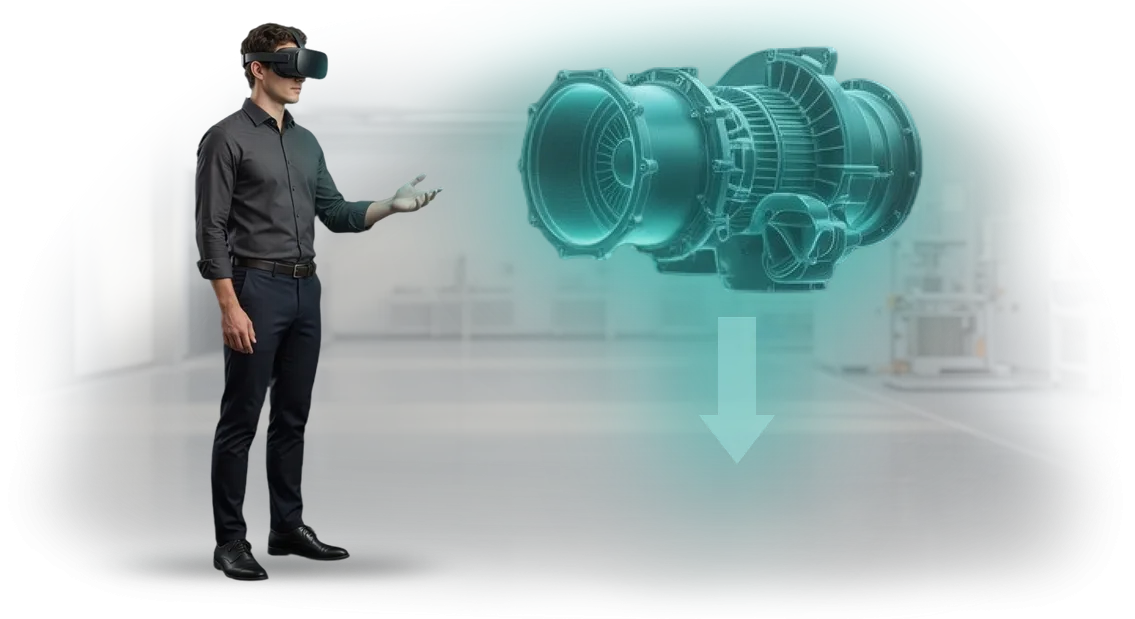
Without a 3D sign language avatar, employee training slows down
Employees with hearing impairments acquire new skills through vision: sign language is perceived through hand movement, facial expressions, and body position.
When training is built only on text instructions or static pictures, the main thing is lost — the dynamics of the gesture. This slows down the process, reduces accuracy, and forces a person to ask again and review the material.
Without a clear 3D avatar, it is difficult to understand exactly how a gesture is performed: what direction the movement takes, what amplitude, how hands and facial expression combine.
As a result, even a motivated employee spends many times more time learning sign language, and the employer gets less effective training.
For business, this means prolonged onboarding of a new person, extra hours for mentors, and incomplete integration of the specialist into work processes.
Inclusive training becomes a competitive advantage: a company that makes training accessible to all employees builds a cohesive team faster and reduces staff turnover.
This is where a high-quality 3D sign language avatar matters — it conveys movements naturally and clearly, allowing employees to learn at their own pace and return to complex gestures repeatedly.
We create avatars that bring learning materials to life: the employee sees the gesture in 3D, can rotate it, slow it down, and repeat it.
This approach makes sign language training for business accessible and fast — meaning your team works more cohesively, and new employees with hearing impairments join the process without losing time.
What benefits the company gets from training
Benefit: faster employee preparation
Employees move from theory to practice in a virtual environment in a matter of days, not weeks. Scenarios are repeated without loss of quality, so a newcomer practices skills to the point of automaticity before moving to real tasks. For the company, this means quickly bringing staff to the required level and less downtime.
Benefit: engagement and training effectiveness
The immersive format holds attention better than lectures and presentations: the employee acts, makes decisions, and sees the consequences. Complex algorithms are remembered through practice, not rote memorization. As a result, material retention is higher and the likelihood of errors in real work is lower.
Benefit: savings and scaling
One VR course replaces repeated in-person trainings. It can be launched for hundreds of employees simultaneously — across different offices, shifts, and even countries. Costs for instructors and venue rental decrease, while training quality remains stable at any scale.
Benefit: employee adaptation
A 3D sign language avatar makes the program accessible to hard-of-hearing employees. The team trains to a single standard, without separate courses or exceptions. This expands the talent pool and reduces risks associated with communication within the team.
Employee training formats with a 3D avatar
Every business trains employees in its own way: some need to quickly bring newcomers up to speed, others need to sharpen the skills of key specialists.
Therefore, we offer not one universal format, but several scenarios for working with a 3D sign language avatar — tailored to your task, team size, and budget.
All formats are based on the same detailed 3D avatar, which presents gestures naturally and without distortion. Employees see a single execution standard whether they learn in the office, remotely, or in virtual reality. Below are three basic formats that can be easily combined.
Basic training formats
| Format | For whom | What it gives the client |
|---|---|---|
| Self-paced course | New employees, distributed teams, remote workers | Quick onboarding without taking time away from operations, a unified knowledge standard at every location |
| Mentor-led training | Key specialists and group leaders | Feedback, analysis of real mistakes, bringing the skill to automaticity |
| VR simulator | Teams that need practice in a safe environment | Practicing complex and emergency situations without risks to clients or the company’s reputation |
In practice, formats are often combined: first a self-paced course for basic theory, then mentor-led training for practicing complex situations. A VR simulator is added when real working conditions need to be safely simulated — from negotiations to emergencies.
We handle content development, integration, and technical support.
During a consultation, we will help you determine the optimal scenario for your team and budget, and after launch we will show results using specific metrics: learning speed, course completion rate, and skill proficiency level.
How VR training development works
VR training development for employees is not a black box. We have structured the process so that you see the result at every step and can influence it. Below is the path a project takes from the first meeting to launch and support.
-
Brief and immersion in the task. We study the specifics of your business, audience, and training goals. We record what skills employees should gain and how we will measure effectiveness.
-
Scenario and prototype. Methodologists prepare the scenario, and designers prepare a prototype of the future environment. You see in advance how the training will look and feel, and you have time to make changes before full production.
-
Approval and project plan. You approve the scenario, timeline, and budget. We create a detailed plan with clear stages so you always know what is happening and what comes next.
-
Development and content production. We create virtual spaces, characters, and a 3D sign language avatar, and refine the logic and interactions. You receive intermediate versions and see progress with your own eyes.
-
Testing with real employees. We try the training on a control group, collect feedback, and adjust details. It is important that the material is convenient and understandable for your people specifically.
-
Launch and technical support. We deploy the system on your equipment, train administrators, and hand over all materials. We remain available afterward: we update content, help with questions, and refine the program as your business grows.
What is included in a VR training project
The project includes not just a VR program, but a complete ready-to-use package: scenarios, models, integration, and instructions. Below is the delivery scope you receive after project completion.
- Training scenario for the required work situations. We analyze employees’ real tasks and turn them into training episodes in a virtual environment. The employee practices without risks, and you see which skills are being developed.
- 3D model of a sign language avatar. If training involves communication with deaf people, we create an animated avatar with accurate gesture delivery. Dialogues are practiced without an interpreter and at a comfortable pace for the employee.
- Ready-made integration with your learning system. Training results are automatically transferred to your platform. A manager sees progress for each person and group without manually compiling reports.
- Setup of workstations and equipment. We select configurations for your device fleet, install and test everything before launch. On the first day, employees simply put on the headset and get to work.
- Clear user and administrator instructions. Illustrated guides for employees and a detailed description of settings for administrators. Your team can launch scenarios and make changes on their own.
- Administrator training and support. We hold a session for your team: how to upload users, configure groups, and view results. After launch, we stay in touch and help with questions.
Case: how we accelerated employee training
Client story
A hotel chain with 40 locations faced a problem: staff could not fully serve guests with hearing impairments. Regular video courses did not provide practice — employees memorized gestures but got lost in real dialogue. We proposed VR training with a 3D avatar that recognizes gestures and points out mistakes.
We ran a pilot at two locations — 180 administrators and waiters completed it in two weeks.
Based on the pilot results, management approved rollout to the entire chain: implementation took less than a month because the VR simulator does not require special staff training and works on standard headsets.
Training results
In two months, we trained 1,200 employees: preparation time dropped from 8 hours to 2.5, and the share of those who passed the exam successfully rose to 97%.
A month later, a check showed that staff confidently use 85% of the phrases they learned — three times more than after a standard course.
The chain’s management recorded an increase in positive feedback from guests with disabilities and increased repeat visits from this segment by 18%. Six months later, the client ordered an expansion of the training for all staff and new scenarios for administrators.
We built the simulator on the Unity engine — this technology ensured stable operation on any VR equipment and fast launch at all chain locations.
How to choose the right format for your task?
Choosing a training format is indeed like selecting a tool for a task: the same content can work differently.
A VR scenario provides full immersion and hands-on practice without risk to production, AR hints help directly at the workplace, and a 3D sign language avatar addresses the need for accessible communication.
The important thing is not to compare technologies, but to understand what exactly should change in employees’ work after training.
That is why we start not with ready-made solutions, but with questions: which category of employees is being trained, what behavior needs to be reinforced, how many people will train at once, and what the conditions are at the site.
The answers allow us to cut away the unnecessary and leave one or two formats that deliver measurable results rather than just an impressive demonstration.
To remove uncertainty, we offer an individual approach and a consultation. During it, we analyze your training task, show the strengths of each option using examples from similar projects, and propose a pilot scenario. This is a way to make a decision based on facts rather than guesses.
As a result, you receive a recommendation with justification: which format suits basic training, which is for practicing rare emergency situations, and which is for onboarding new employees. We support the choice until launch and adjust it after the first results.
We invite you to start a conversation: tell us about your task, and we will help you navigate and choose a format that will truly work for you.
Answers to common client questions
We address the typical concerns that arise before a project starts: timelines, content updates, guarantees, and system behavior in unusual situations. We answer honestly — without fine print or asterisks.
How long does it take to develop a 3D avatar?
The timeline depends on the number of gestures and the complexity of the training scenarios. A basic set for a pilot takes 2–3 months; a full library for your training program takes from 4 months.
During the initial brief, we define the scope and set realistic dates. Then we show intermediate results every 1–2 weeks so you can see progress and influence the process.
How do we update content after launch?
You are not tied to the developers: new gestures can be added and scenarios adjusted by your own methodologist. We prepare a simple guide and, if necessary, train your staff.
If you need to quickly add dozens of new gestures, we take that on as a separate task. In any case, content is updated without stopping training and without losing materials already created.
What about guarantees and support?
After launch, we support the project: we fix errors, help with updates, and answer the team’s questions. The first support period is included in the cost — you get stable operation with no hidden payments.
After that, you choose a convenient format: one-off improvements or ongoing support. The terms are set out in the contract so that you are not dependent on the contractor’s mood.
What happens if the system breaks down?
At the launch stage, we set up monitoring: we learn about a failure before it affects training. Critical issues are handled on the day they are reported; medium ones within 1–2 business days.
For your employees, this means minimal downtime: the avatar quickly returns to operation, and all training data is preserved. The action plan for a failure is documented, so your team knows what to do.
Order the development of a 3D avatar for your project
Order the development of a 3D avatar for your project — and get a ready-made solution that works for your business goals. We handle the entire cycle: from analyzing your training scenarios to launch and technical support.
You don’t need to understand the details — we will prepare a solution for your format, budget, and timeline.
After you submit a request, our engineers study the task and come back with a preliminary plan and cost estimate. You immediately understand what you will get, in what time, and what it will cost. No hidden stages — only transparent work and a clear result.
What you get by starting a project with us:
- Analysis of your task and use cases for the 3D avatar — for employees, clients, or partners.
- A preliminary project plan with stages and timelines — you control the process.
- Cost estimate tailored to your budget: from pilot version to full-scale implementation.
- A working prototype at an early stage — you see the result before final delivery.
- Integration with your learning systems and technical support after launch.
- Quality guarantee and deadline adherence — we have dozens of successful projects behind us.
Submit a request to calculate the cost and discuss the details. We will contact you within one business day, clarify the task, and offer the optimal solution. You can start the project as early as next week — just write to us.