

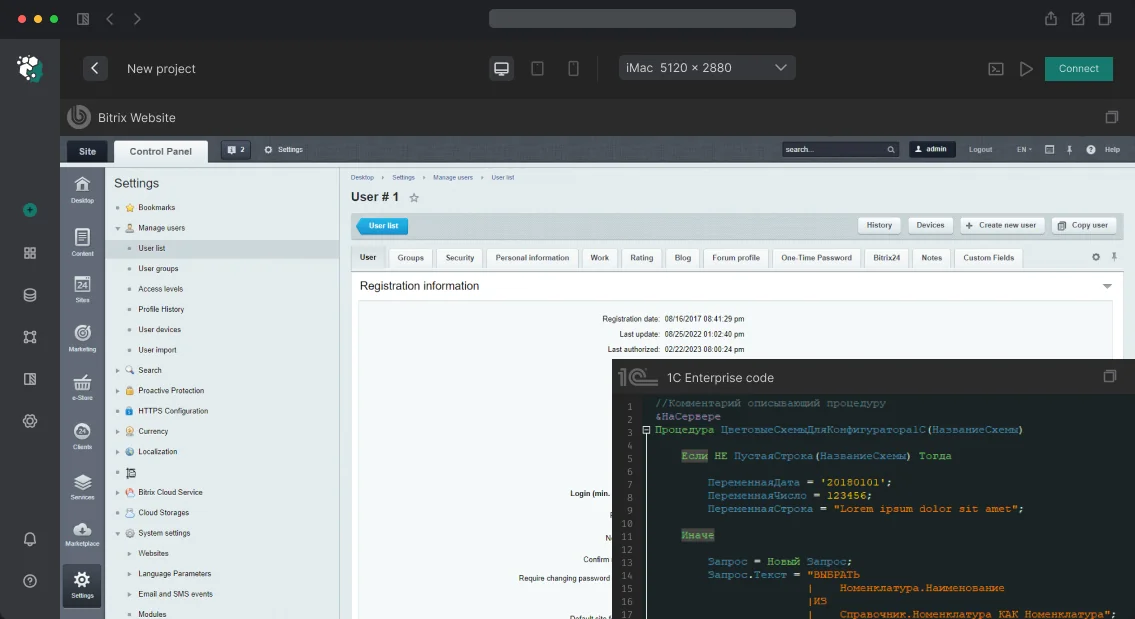
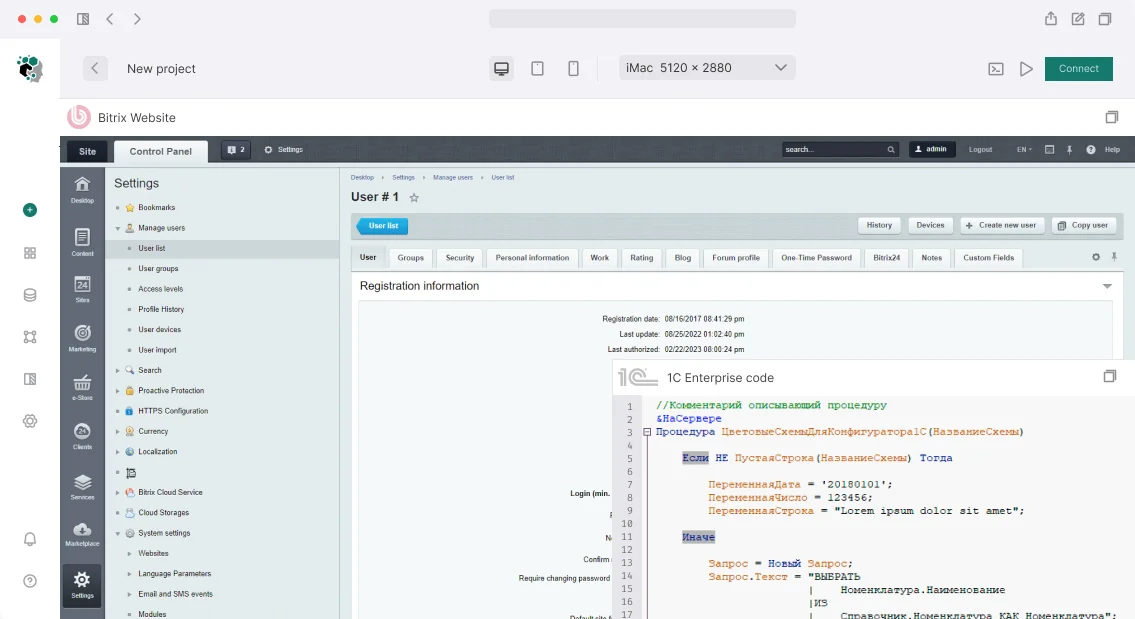
Bitrix integration audit: where data exchange with 1C and CRM breaks
Website exchange with 1C usually works — until the first change of product code, a new warehouse, or an edit to order statuses.
After that, stock on the storefront diverges from actual, the price remains old, and the order hangs in the “new” status even though the invoice was paid long ago. The store continues to sell what is not in stock, while the manager checks availability for each request manually.
There are few typical break points, and they repeat from project to project. Catalog synchronization breaks on trade offers and properties: some items stop updating, some are duplicated after an external code change.
Stock comes from the wrong warehouse, and order and payment statuses do not reach CRM or come back with losses.
The cause is more often in the exchange mechanics, not in the data itself.
Instead of exporting changes, a full export is run, sessions time out and are not restarted, no one reads the log — exchange errors accumulate silently, formally the exchange is complete, while the discrepancy lives for a week.
Delays add to this: an edit in 1C reaches the storefront after hours if the schedule runs once a day.
We start a Bitrix integration audit with logs and the actual state of data, not with settings.
Integration checks run for each flow — catalog, prices, stock, orders, payments — and for each one we record the break point, failure frequency, and what actually reached the storefront. The output shows what to fix first so that the exchange stops losing data without a trace.
What an exchange audit delivers: faster synchronization and fewer failures
Exchange on 1C-Bitrix speeds up not “on average,” but at specific nodes: export stops pulling the entire catalog and switches to selecting changed items, the queue is processed in minutes instead of hours, and unnecessary retries go away.
Before and after fixes we measure run duration, queue depth, and number of failures — the report is built on these numbers.
The second effect is fewer discrepancies between catalog, warehouse, and orders.
Reconciliation is done by item key, statuses and prices update from an event rather than on a general schedule, so “stuck” stock and prices are visible immediately instead of surfacing during month-end reconciliation.
Duplicate orders are eliminated at the write rule level: a package that arrives again does not create a second deal but updates the existing one. This removes manual reconciliations and refunds that are usually used to treat the consequences of double sending.
Exchange downtime becomes a manageable value. An error is written to the log with the package body, retry occurs with increasing delay, and the state is visible by the last successful run marker — the on-call engineer understands the cause without reading logs on the server.
And most importantly: manual edits between systems go away. Order transfer or stock adjustment is performed by a rule, not by a manager; manual mode remains as an emergency option and is written to the log as a separate entry.
Methods of exchanging website data with 1C and CRM: comparison of modes and limitations
The integration method is chosen based on a trade-off between how quickly data appears on the website and how predictable behavior is during a failure. The standard module covers a typical catalog and orders, but with custom logic it hits performance limits.
Synchronization modes are combined: at night — a full export for integrity, during the day — incremental transfer of only changes. Event-driven mode is faster than the others, but requires a reliable queue and retry handling; otherwise some edits are lost silently.
| Option | When it fits | Limitations |
|---|---|---|
| Standard exchange module | Typical catalog, orders, warehouses, quick launch | Non-standard attributes require customization; a full run loads the website |
| External intermediary service | Multiple sources, need for a queue and retry on failure | A separate component in the environment — requires monitoring and access |
| Direct queries to the 1C database | Reading reference data, reports, one-off reconciliations | No guarantees of structure: a configuration update breaks the integration |
| File export on a schedule | Large volumes, exchange once a day | Data lags; an error is visible only after parsing the file |
The audit starts with measurement: how many objects, what share changes per day, where stock and amounts diverge. This shows which option will withstand growth and which will have to be changed.
Exchange audit stages: from capturing the scheme to handing over regulations
The exchange audit starts with capturing the current state: until the data route is described and errors are collected, any change is guesswork. The order below gives a reproducible result and clear acceptance criteria instead of “it seems to work.”
- Capturing the exchange scheme. We record the participants (website on 1C-Bitrix, accounting system, intermediary services), flow direction, and entities: product nomenclature, prices, stock, orders, counterparties. For each entity — a field mapping table and an explicitly specified source of truth.
- Collecting exchange logs. We export logs for the period, group errors by type, check schedules, access rights, and order status mapping. It often turns out that part of the exchange is done manually and conflicts with the scheduled one.
- Reproducing failures. We repeat problematic packages on a copy and separate a one-off failure from a systemic mapping error — otherwise the fix closes the symptom, not the cause.
- Fixes. We clean up field and status mapping and add protection against repeats: reloading the same package does not create duplicates.
- Test run. A control exchange on a volume close to production, with reconciliation of the number of items and orders before and after. We measure package processing time — it shows whether the exchange fits into the schedule window.
- Exchange acceptance. We define the criteria in advance: there are no discrepancies in key entities, a repeated run does not multiply duplicates, and every error goes to the log with a clear wording.
- Handover of regulations. We provide a scheme description, a checklist of actions during a failure, and the procedure for restarting — support stops depending on a single engineer.
What you keep: exchange maps, logs, regulations
The audit report is not an end in itself and not a “sheet” for the shelf: your developers, administrators, and a new contractor should be able to work from it.
That is why each artifact is formatted so it can be applied on day one — open it, find the needed exchange, and understand what to change. We hand over the set in the markup of your repository or knowledge base, with a change history.
- Data flow diagram — what is transferred, where, and how often: directions, volumes, dependencies between objects, and points where the exchange can stop.
- Exchange map — all active integrations with identifiers, schedule, responsible account, and a “critical / secondary” flag.
- Integration settings — a configuration file as an export: mapping of product nomenclature, counterparties, and statuses, recalculation rules, handling of duplicates and repeated exports.
- Exchange regulations — launch procedure, what to do on a discrepancy, and how to correctly restart a section without data loss.
- Access rules — roles and restrictions for service accounts, permission separation, key rotation, and who and how changes settings.
- Incident analysis — a log of typical failures during the audit period with cause, symptom, and a ready action for resolution.
- Team instructions — step-by-step scenarios for the on-call engineer: check the exchange, remove a stuck task, confirm data integrity after a failure.
- Acceptance checklist — a minimal set of checks before release so that website improvements do not break the exchange.
With this set, the integration stops being a “black box” of a single specialist: maintenance can be handed over within the team or to a contractor, and new improvements can be implemented without risking the exchanges.
Case study: catalog and stock synchronization before and after the audit
Project — an online store on 1C-Bitrix with exchange of catalog, stock, and contract prices with an accounting system: about 30 thousand product nomenclature items, several warehouses, and individual terms for each client.
Before the audit, the exchange started once an hour and ran longer than the interval between launches — processes overlapped, and some changes were lost.
Stock discrepancies were found in 12–15% of items per week, and managers manually corrected every tenth order: a customer ordered an item that was no longer in the warehouse.
When a session broke, no one could say at which record the exchange stopped — a full run had to be started again.
What we found and what we changed
The cause was in the architecture: the entire catalog was exported in full, and item mapping was done by name, not by external code.
We switched the exchange to selecting only changed records, built a mapping table by external identifiers, added a lock against parallel launches, and added retries for failed records.
Each session now writes a log: how many records were accepted, how many rejected, and for what reason.
Metrics before and after
After the rework, a run fits into 4–6 minutes and proceeds without overlaps, discrepancies are isolated and surface within an hour, and the share of orders with manual correction fell to tenths of a percent.
A failure no longer requires a full restart: problematic items are visible in the log and resolved point by point. The exchange stopped being a source of manual work for the sales department.
What to do if the exchange is already set up but data diverges?
Data divergence while the exchange is working is almost never “the exchange broke.” One of the three dimensions of synchronization diverged: the time of the last successful export, the mapping key (code, SKU, or unique identifier), or the exchange scope — prices, stock, order statuses.
Diagnostics without stopping the website starts with the exchange log: it shows which package failed, how many records arrived, and what remains in the queue.
| Symptom | What it means | Action |
|---|---|---|
| Some items without prices and stock | New records were exported without binding to a key | Reconcile reference data, fill in missing links |
| Data lags by several hours | The exchange runs but is interrupted mid-package | Analyze the package error, configure a repeated run |
| An order on the website did not appear in accounting | The reverse exchange hits duplicates or transfer rules | Check the order queue and transfer conditions |
| Manual edits on the website are rolled back | No source priority is set for the field | Explicit rules: which environment is primary |
Next, we take a snapshot on both sides and compare on a sample — this calculates the share of discrepancies and shows whether it is a systemic problem or isolated records.
A repeated run must be idempotent: re-exporting the same item does not create a duplicate and does not overwrite already accepted data.
We do not do a “from scratch reload with the exchange disabled” at this stage: while the website is disabled, prices and stock become outdated, and orders placed during that time are lost.
The better approach is point-by-point rebuilding by keys and enabled discrepancy control that catches them on the next cycle, not a month later.
Common technical concerns about data exchange and access
Exchange with 1C and external systems breaks more often not in code but at the organizational level: who grants access, whether the production environment can be touched, and where the boundary of responsibility lies. Below are concerns engineers raise before the start, and our answers.
What access is needed for the audit?
At the start, read access is enough: a separate administrator with limited rights, export of exchange logs, and a copy of the database on a test environment. We write to the production system only after agreeing on the plan — the audit does not change working data.
Is it necessary to stop the website during the audit?
No. Measurements and test runs are performed on a copy, we read the production system passively, and we roll out fixes in parts during an agreed window.
Cloud and on-premise versions — is there a difference in the audit?
A noticeable one. In the cloud version of 1C-Bitrix, you cannot intervene in the scheduler or core — we work with standard exchange settings. In the on-premise version, logs, custom handlers, and fine-tuning of agents are available.
How do you find the causes of duplicate orders?
Duplicates are a repeated exchange run without a matching key or a broken session. We check logs, introduce idempotent keys, and process already accumulated extra records.
We divide responsibility explicitly: on our side — the exchange scheme, audit logic, and documentation; on the customer's side — access and the work window. We record this in a protocol before the audit starts.Let’s discuss the task: what to prepare for the conversation and how the work will proceed
For the conversation to be substantive, a detailed technical specification is not needed — facts about the current exchange are enough. Describe the task in your own words: what is not working, for how long, and what you have already tried changing. We will collect the rest ourselves and clarify what is missing with questions.
What is useful to have at hand for discussing the task:
- Exchange environments: website, accounting system, intermediate database, test stand — which of these exist and exactly where the exchange takes place.
- Access: website admin panel, a role in the accounting system with permission to read exchange settings, access to the server or hosting.
- Exchange mechanics: module, web services, export files, or direct database writes — how data is transferred now.
- Flow composition: product nomenclature, prices, stock, orders, statuses, documents — and in which direction each one goes.
- Schedule and volumes: how often the exchange starts, how long it takes, and how many items per run.
- Failure history: error texts, exchange logs, examples of discrepancies and “stuck” records.
- Restrictions: windows when the exchange cannot be stopped, and areas that are not allowed to be touched.
Using this data, we reconstruct the exchange scheme, mark bottlenecks with priority, and come back with a work plan and a stage-by-stage estimate. If something from the list is missing, that is fine — we will assemble part of the picture ourselves from access and logs. Describe the task in any convenient form — we will come back with a plan and estimate.